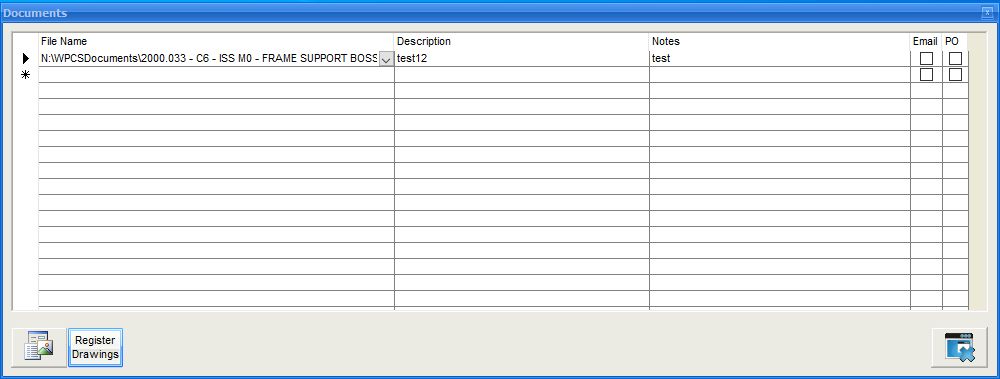
Most modules in Redant have a documents button  Here you can link any windows file to the displayed record. Redant can create an automated document tree so that files can be saved in a specific folder relating to the record being viewed. New files located in folders are shown to the user to add a descriptive comment before being displayed in the grid.
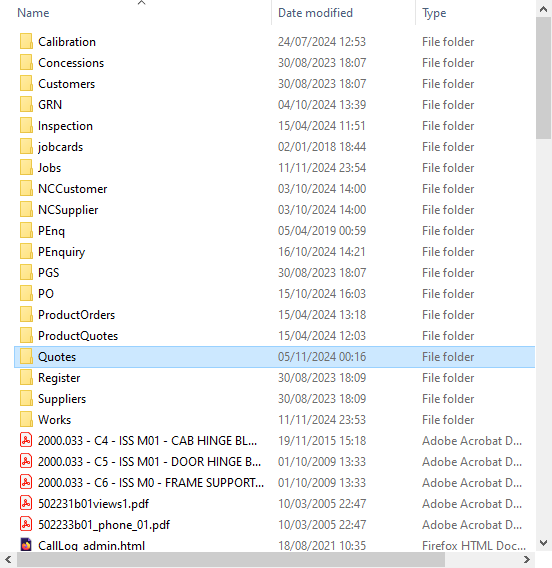
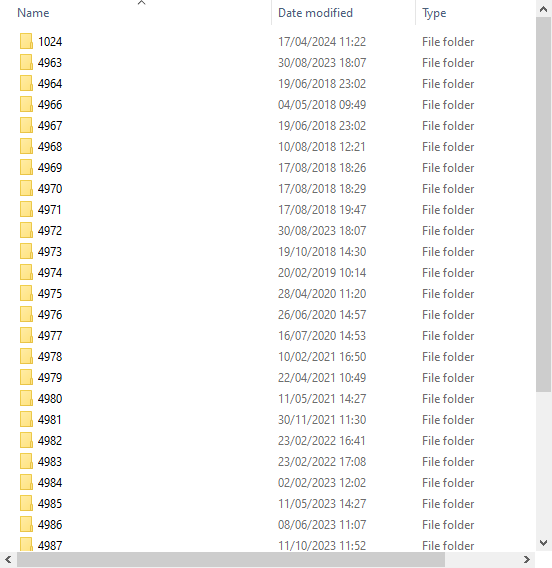
Some of the automated folders are shown below. Opening up a folder will then display the sub folders e.g. when opening the Quotes folder you will then see a list of quote no folders. Simply drop the document in to the relevant folder name.