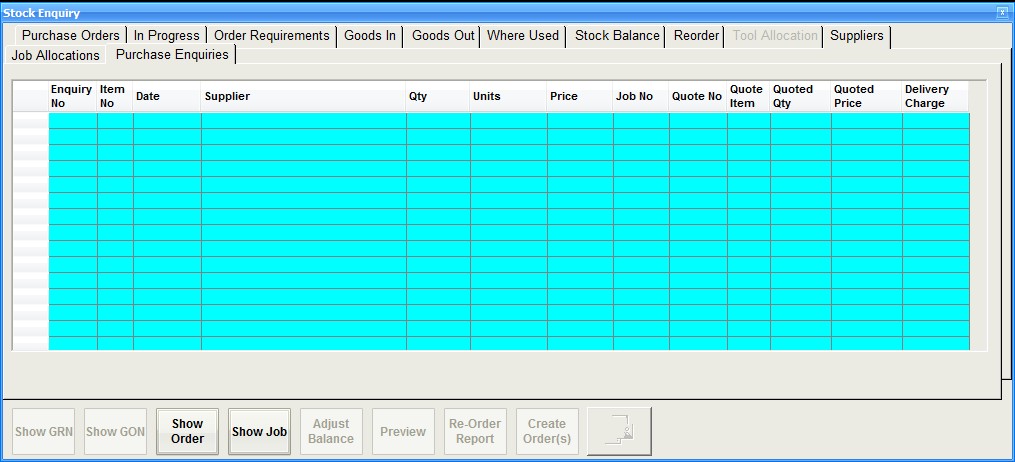
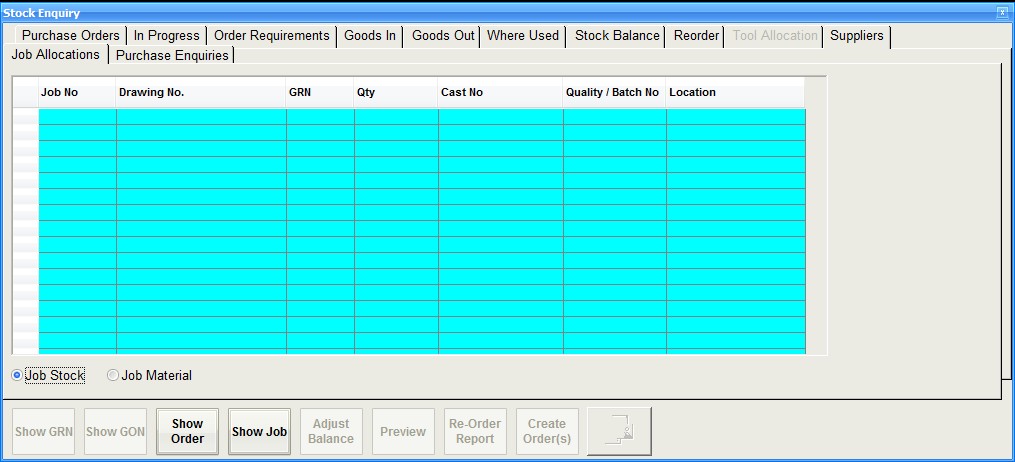
The stock enquiry window as shown in the screenshot below allows the user to drill down in to the various aspects that make up the figures displayed on the main stock record. You can also make stock adjustments and place purchase orders for items below minimum stock levels.
Purchase Orders
This tab will display all purchase orders that have been made for the stock record. Use the Show Order button to view the actual purchase order for the selected item in the grid

In Progress
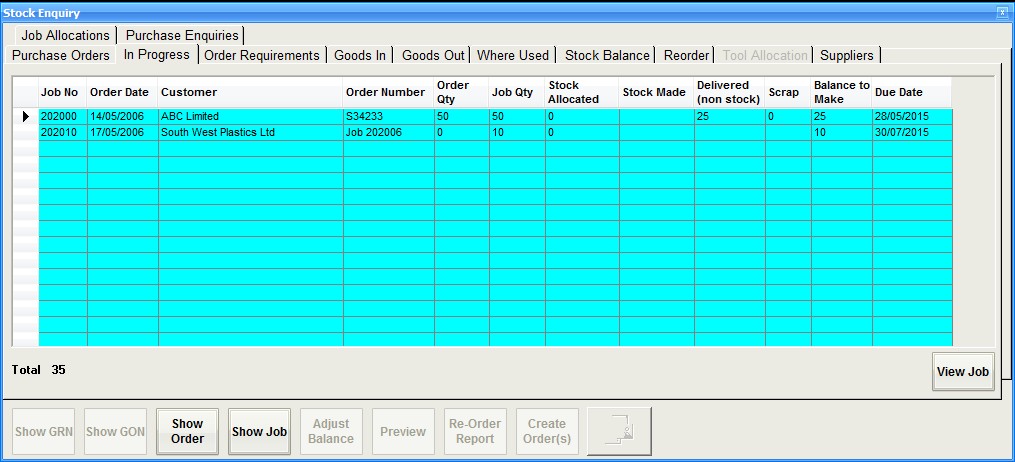
This tab shows all live jobs that are manufacturing the stock record. This is only applicable for 'finished' and 'component' stock types. The view job button will display the select job in the grid
Order Requirements
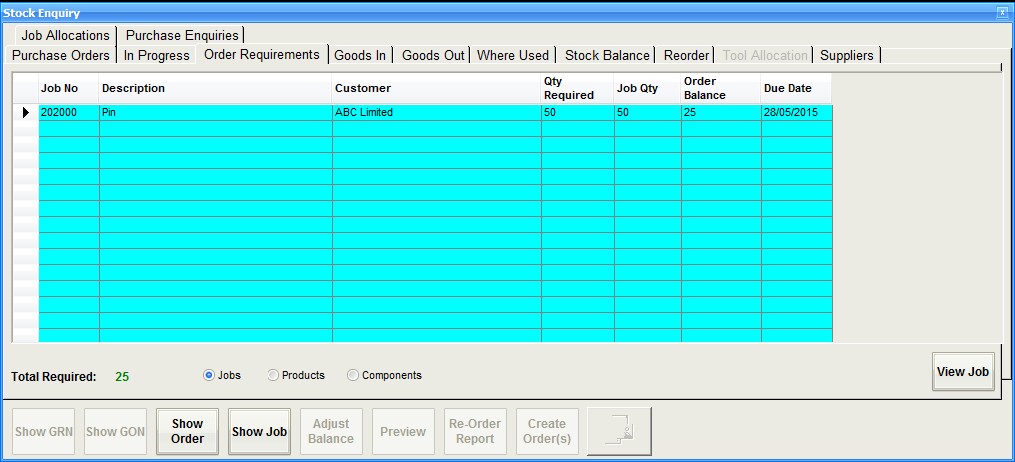
This tab is a breakdown of the order rquirements figure show on the stock record and details all jobs where there is an external order in place. Using the radio buttons will jump betweenthe different sources creating the requirement
Goods In
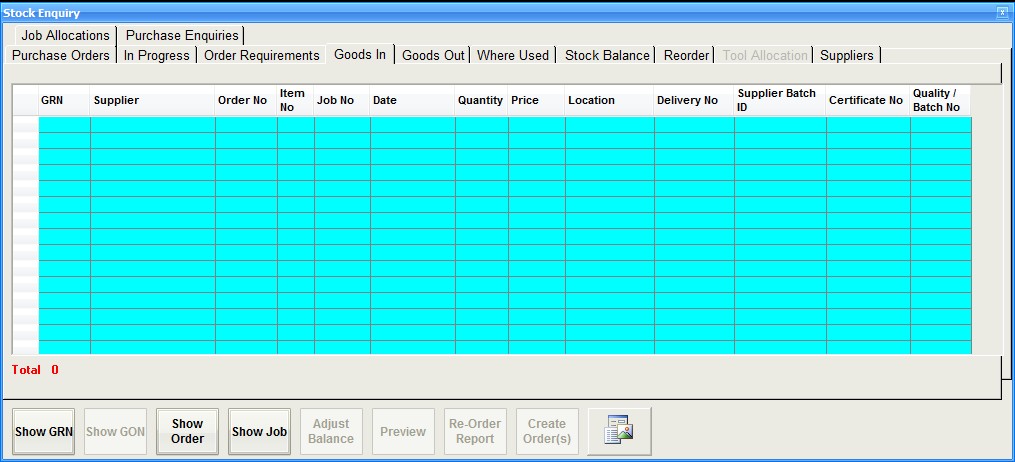
This tab will shown all goods in records with the newest at the top. This is a complete transactional record of every GRN. The Show GRN button will display the selected record.
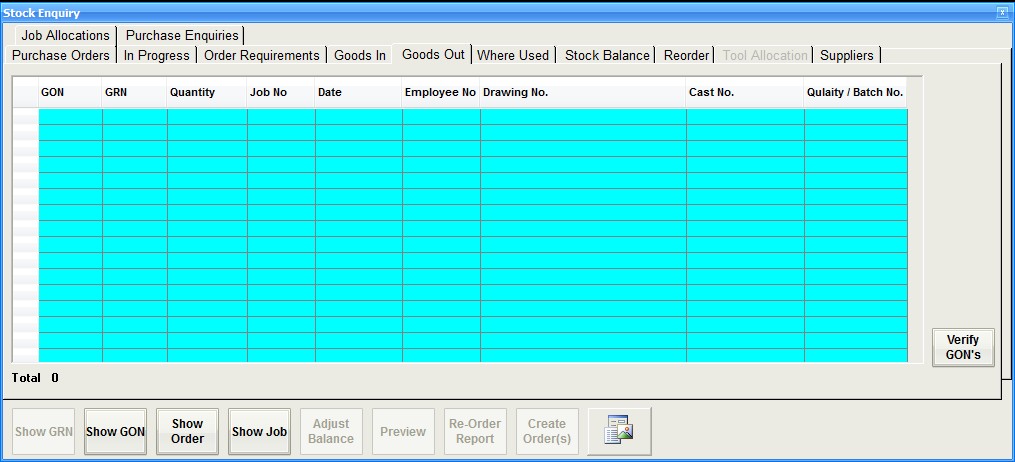
Goods Out
This tab is the same as the goods in but this time shows all the issues made against the respective GRN
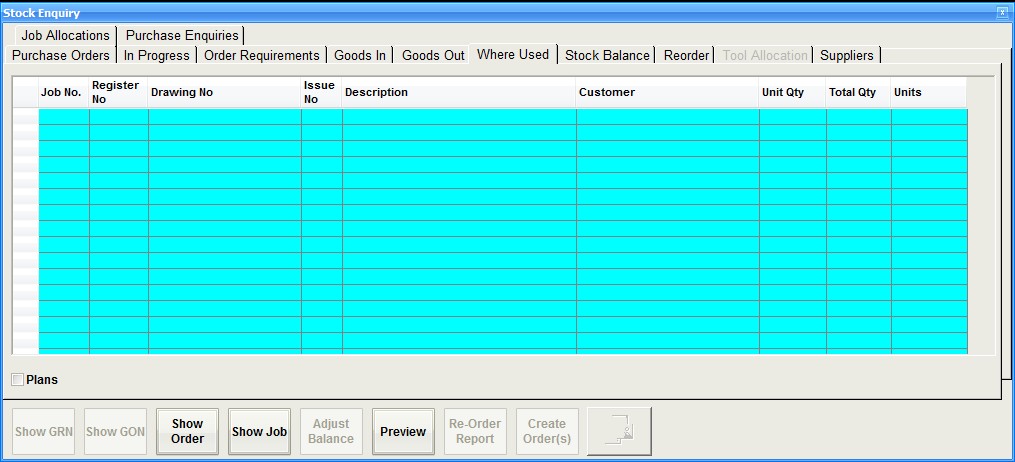
Where Used
This is a record of where the stock record has been used in the past. The 'plans' check box will show all manufacturing plans where it is record but may or may not have been used.
Stock Balance
This tab show the balance quantity against each GRN which makes up the total stock quantity. The original GRN quantity entered is shown with the balance still remaining. There is an option on the bottom menu to 'adjust the balance'. To do this select a GRN fromthe table and then select the adjust button. You can increase or decrease the balance agains that GRN. There is a special 'write off' function under Maintenance which is specially written to remove small discrepancies.

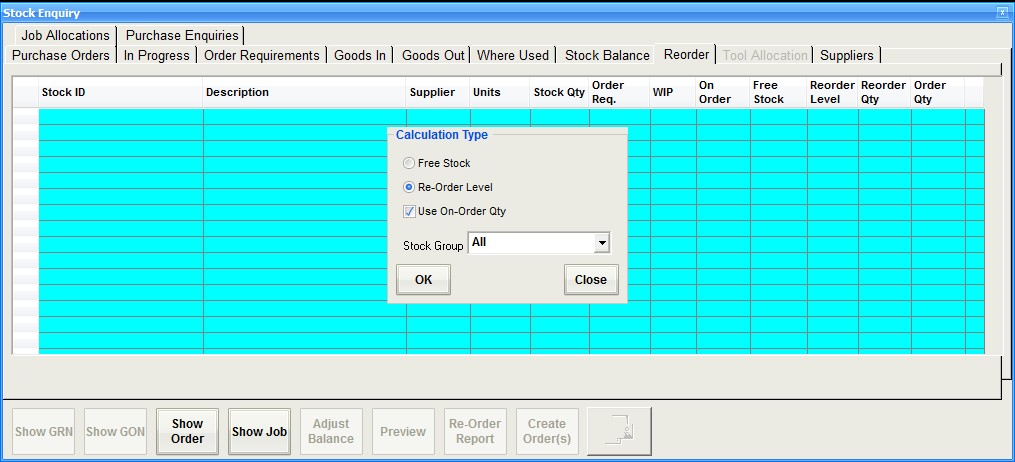
Reorder
The reorder tab will trawl the stock record and find entries where the balance is below the minimum level set. This option will only work on stock records that have a minimum stock quantity and reorder level set. Once calculated the user can selec the items from the grid using the order column and then using the 'create orders' button process purchase orders for each item.
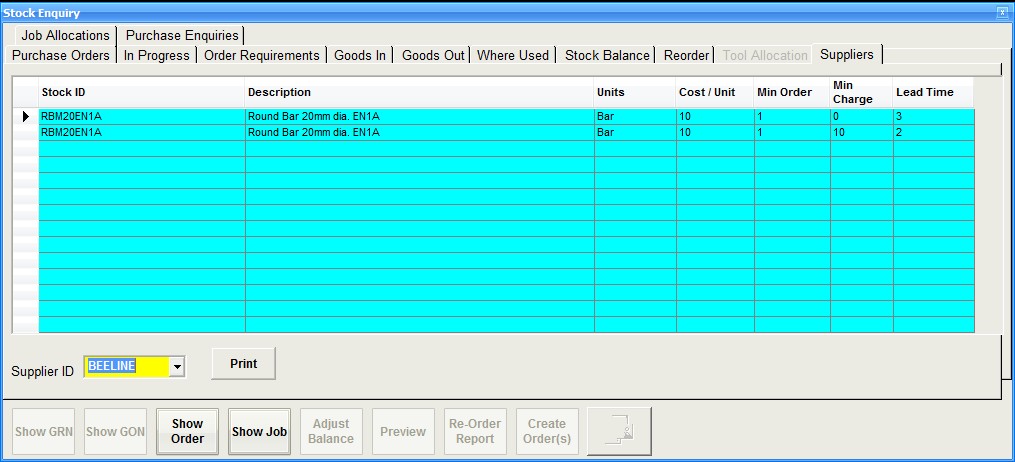
Suppliers
Using the Supplier ID selection will show all the purchase orders for a supplier for the stock id
Job Allocations
This enquiry can be selected from the main stock record using the 'Allocations' button when highlighted in green. It will show any live job where there has been an allocation made.
If any purchase enquiries have been made for the stock record they will be shown here.