Groups
The groups window allows for the setup of different areas of your company where you need to apply rules for booking holidays and absences

Types
Absence Types are used to define why an employee is absent. The examples below gives a list of typical entries you can have.

Periods
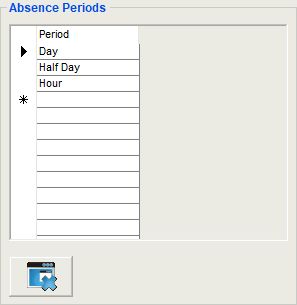
Holiday Periods define the period when more or less than a day. The grid example show typical entries required
Clear Entries
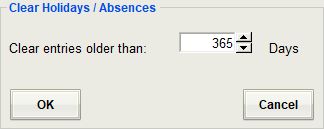
This option will remove holiday entries for all employees which are older than the specified number of days.
Delete All Calendar Entries
Synchronise All Entries With The Calendar