Sage Export
This will export all customer details for a specific address no. Enter the address no. when prompted. Selecting OK will create a customers.csv file or Cancel to quit.
Sage Import
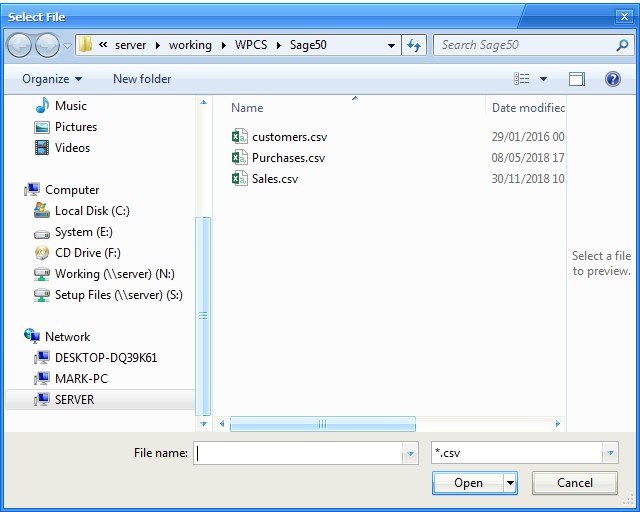
The file selection window will appear as below. Select the Sage .csv you created using Sage Accounts and then click Open. The records will be imported in to Redant. Any duplicates will be ignored.
XML Export
This option will create an XML export file of all customer records