Un-processed Orders
This report contains a list of purchase orders not yet sent or printed.
Overdue Orders
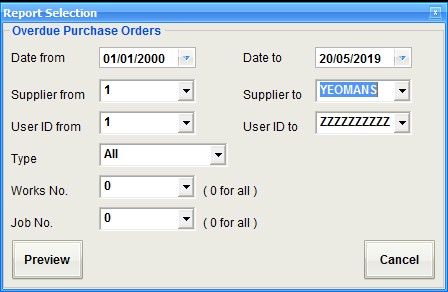
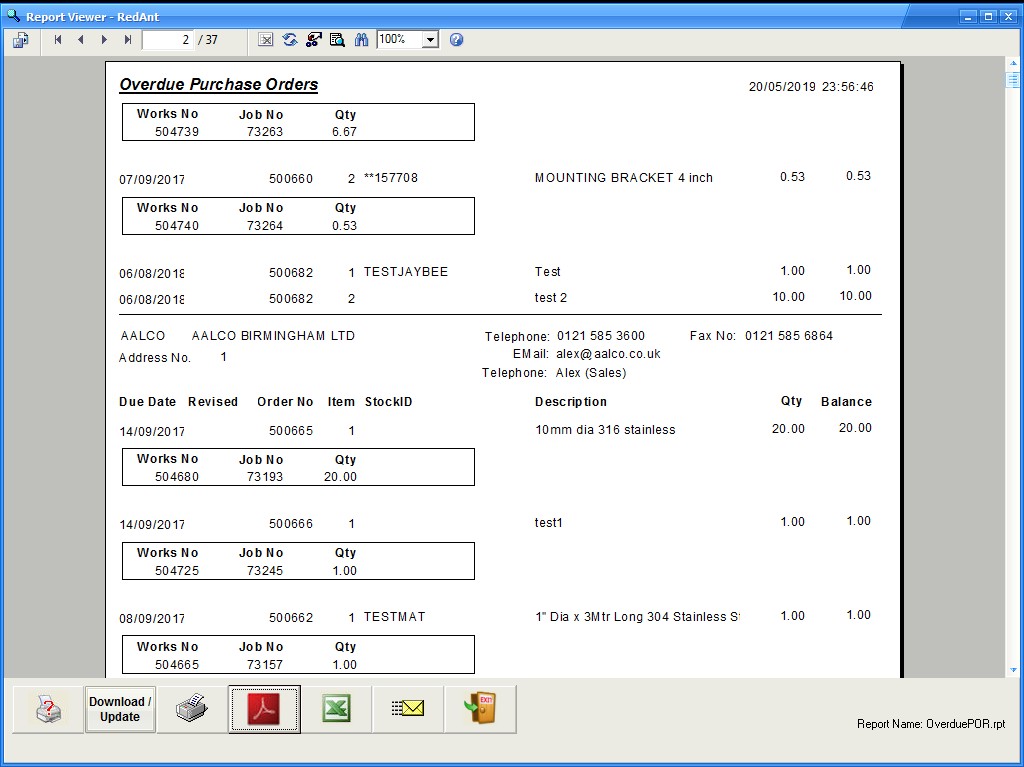
Using the selection options as shown in the screenshot below a user can report on purchase orders that have gone over their expected delivery date. By entering a forward 'Date To' it will advise on what is due within the future timeframe.
Day Books
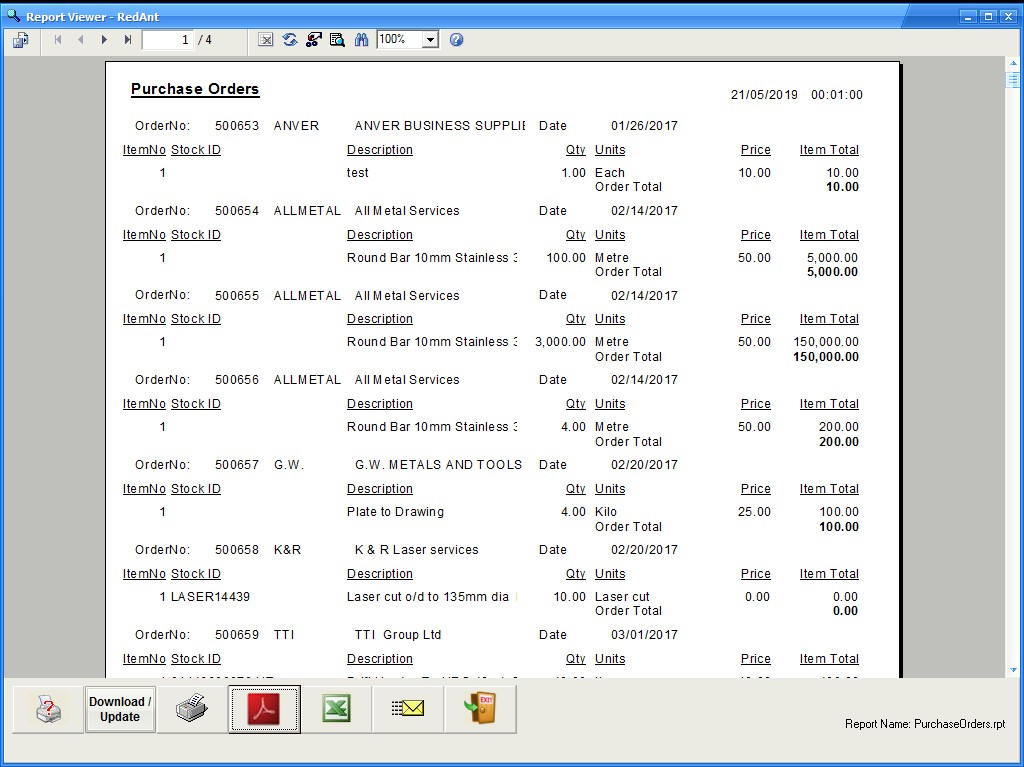
There are three reports to choose from using the radio buttons, orders made, deliveries (goods in) and invoices received. Each can have a specified supplier and date range.

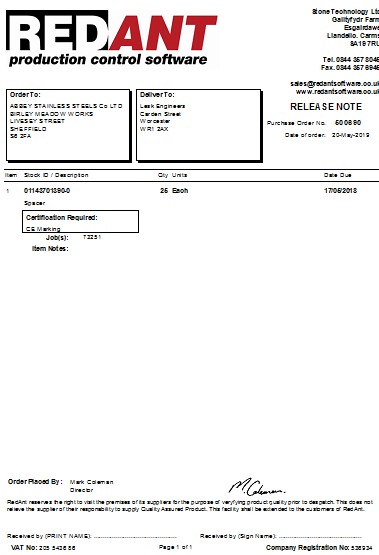
Release Note
A release note is used to send subcontract orders to a supplier without the financial details. This documents can also be used to get a signature of acceptance if the delivery is being made by your company. It can also be printed at the same time as the purchase order.
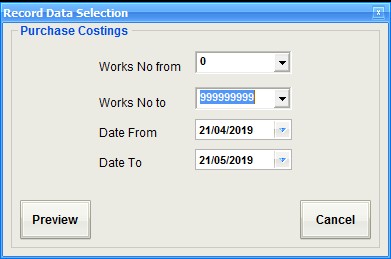
Purchase Costings
This report will return all purchases made against a range of works orders over a specific date range

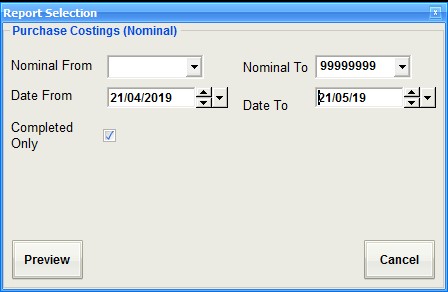
Purchase Costings Nominal
This report outputs detailed purchase costings for a range of accounts nominal codes over a defined date range.

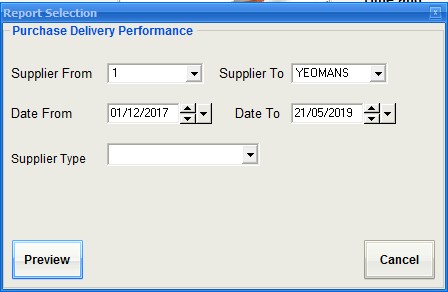
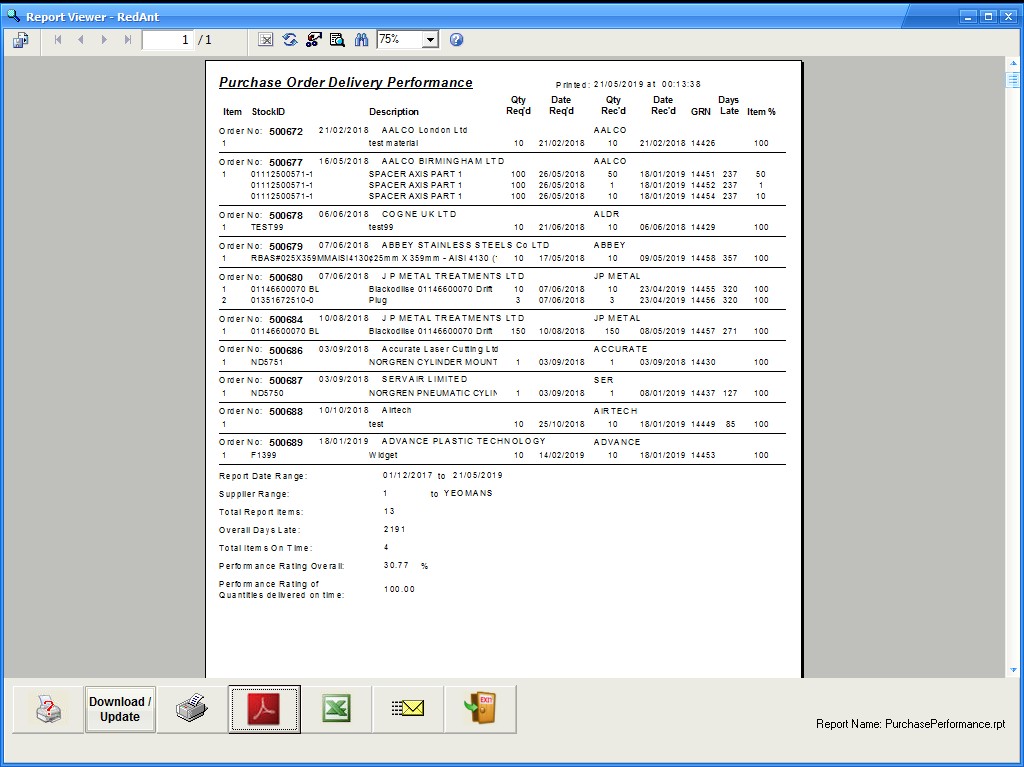
Delivery Performance
This report measures supplier's delivery performance over a given period of time.
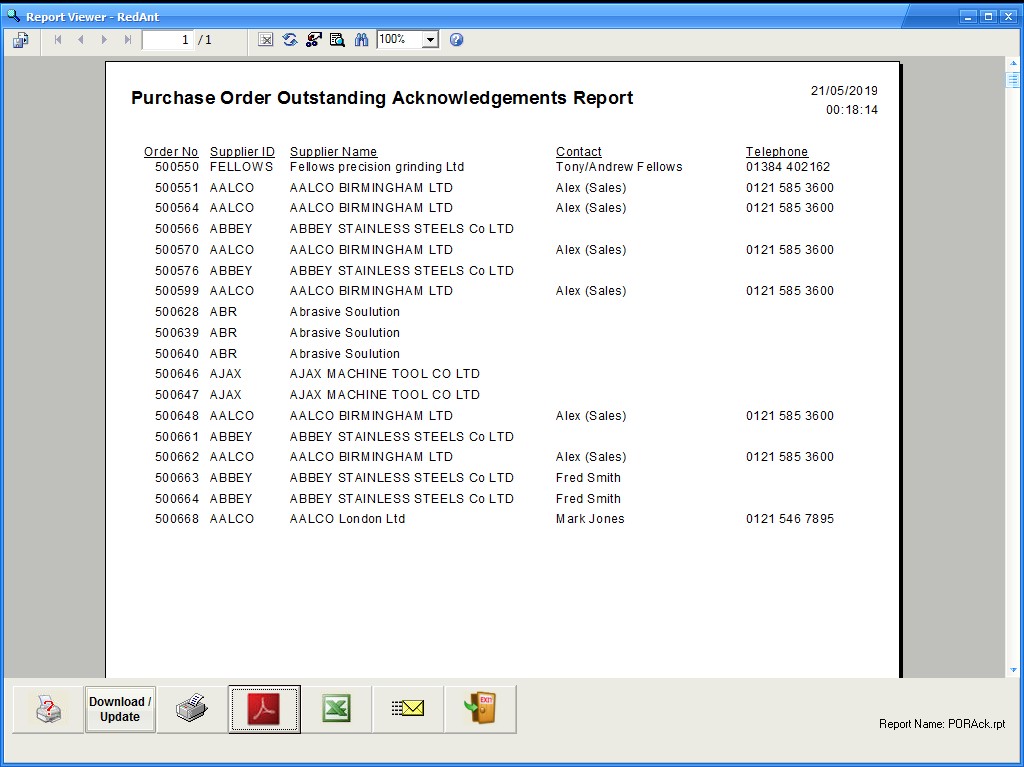
Outstanding Acknowledgements
If an order acknowledgement has been requested to a supplier and it has not been received, this report will show which purchase orders are outstanding
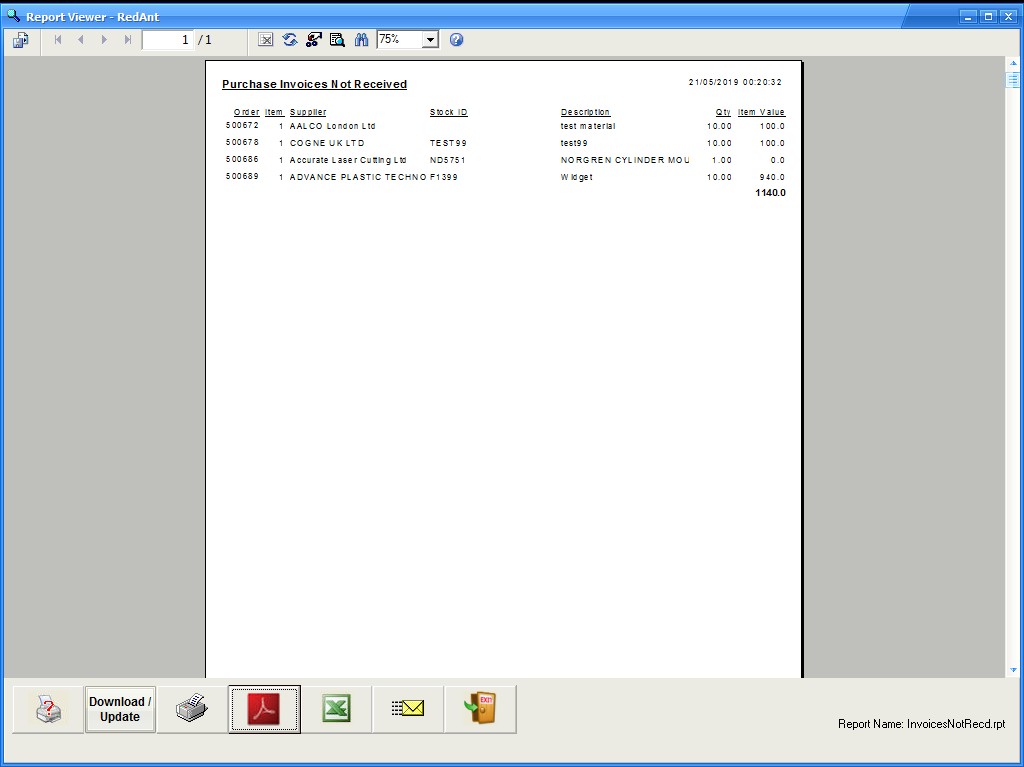
Invoices Not Received
This is an accounting report to show which invoices that were not received by a specific date. It can be used in month end adjustments.