The default user name is 'Admin' password '1234' For security reasons it is advisable to change the Admin password as soon as you have completed the Initial Setup
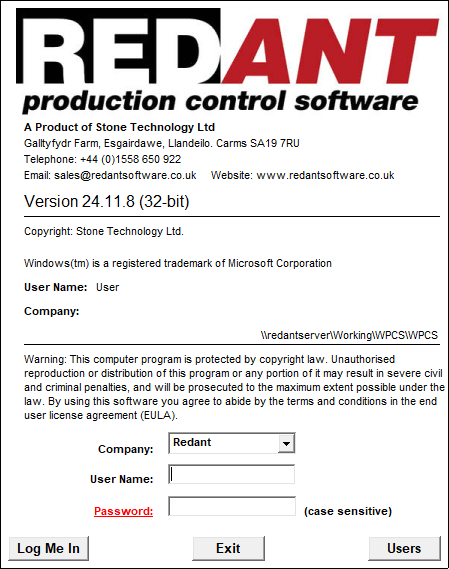
The window displays information including the install directory, who the software is licensed to and the software version. The software version that is currently running is broken down into 3 sections as follows: year.month.day
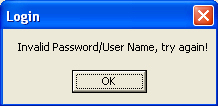
To login, select the Company you want to work with from the Company drop down field. RedAnt allows you to work with several different sets of data independently of each other. For example you may have several branch offices and you wish to keep all the records separately. Also to help with training on a live system a Play Company is installed so training can be accomplished without effecting live data. On a live system the database will default to 'your company name', and 'Play' for the play system. Once the required database has been selected you can proceed and enter your user name and password. To confirm your details you can either press the ? enter key or click the  button. The Main Menu will now be displayed. If the details were incorrect the following message will be displayed and you will be returned to the sign in screen to retry.
The  button will close the software.
Clicking the underscored word 'Password' will allow you to change your login password at any time.
The Users button will display a users currently active in the system.