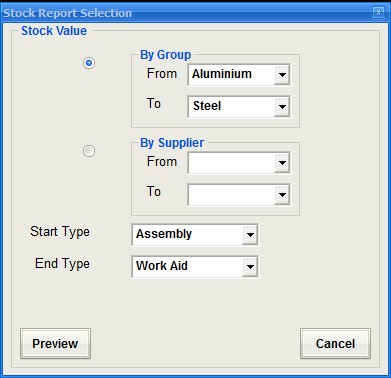
Stock Value
Select either group or supplier and then set the range for each group. There is a further option to narrow the selectionby using the stock type.
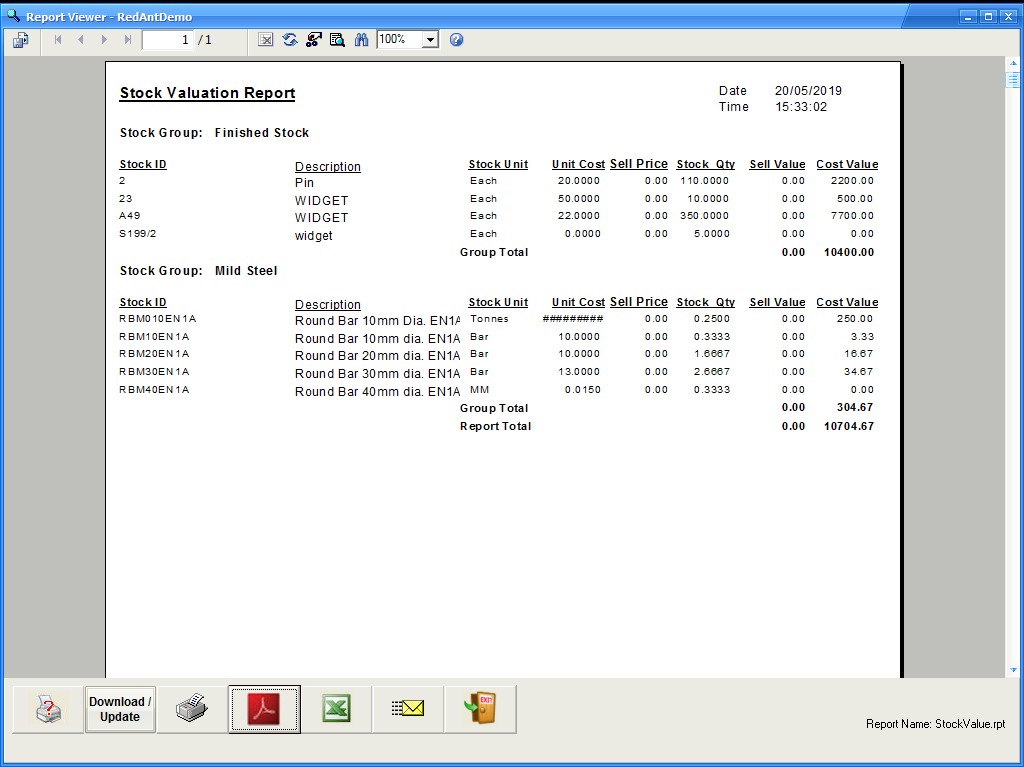
See the screen shot below for an example of what is output
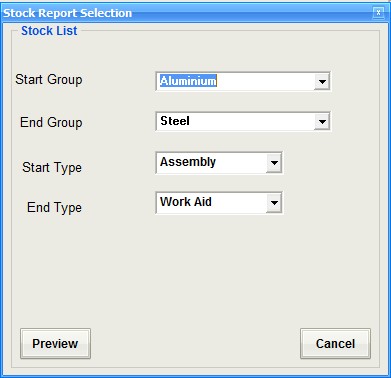
Stock List
Outputs a list of stock record using the following ranges
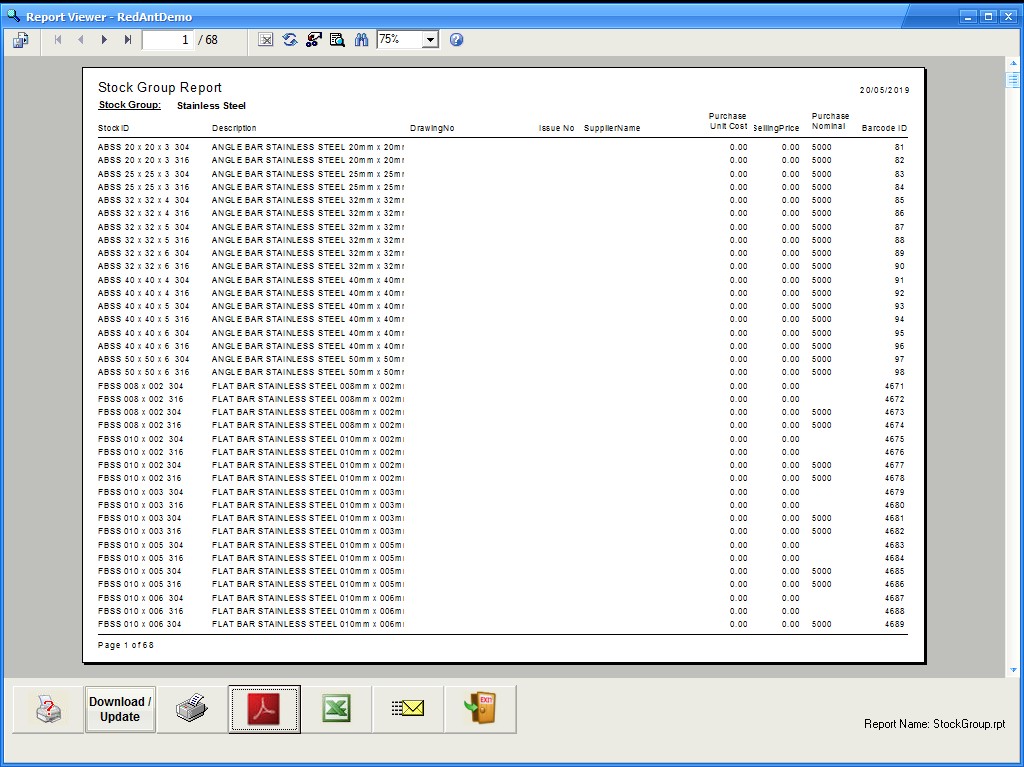
This is a sample output for the report
Stock Balance / Stock Check
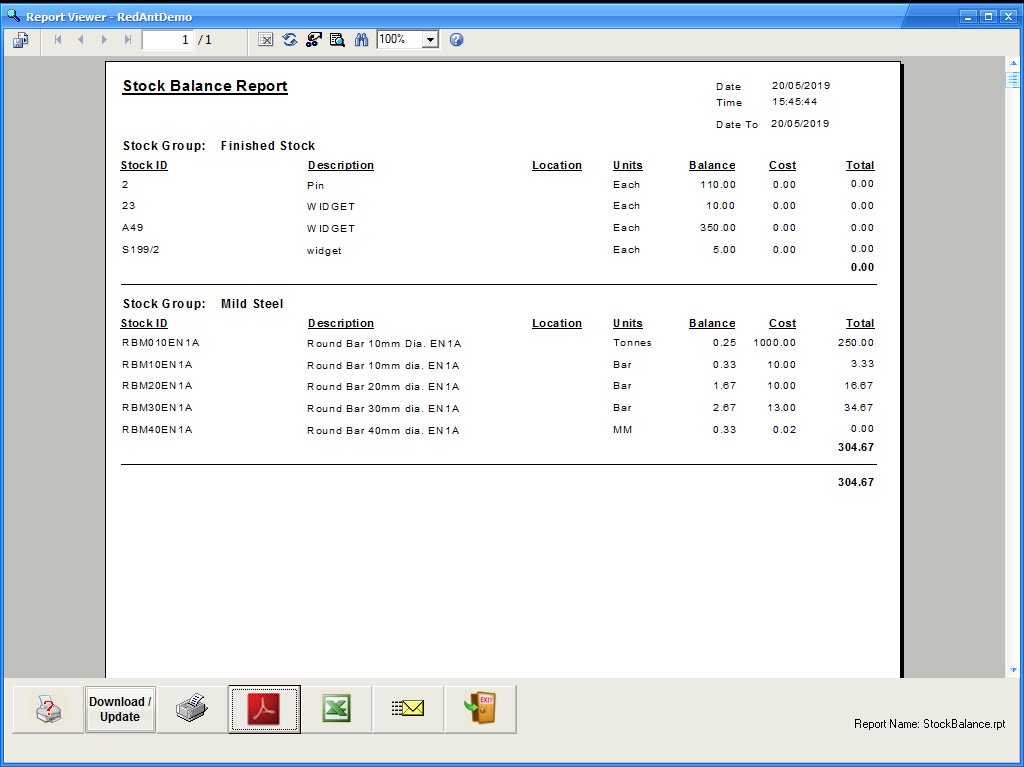
This report can produce two different ouputs depending on the selection of report 1 or 2. The first report is the stock balance report as shown in the first example and report 2 is used for stock taking where the actual quantity can be entered for later adjustment


GRN Balance
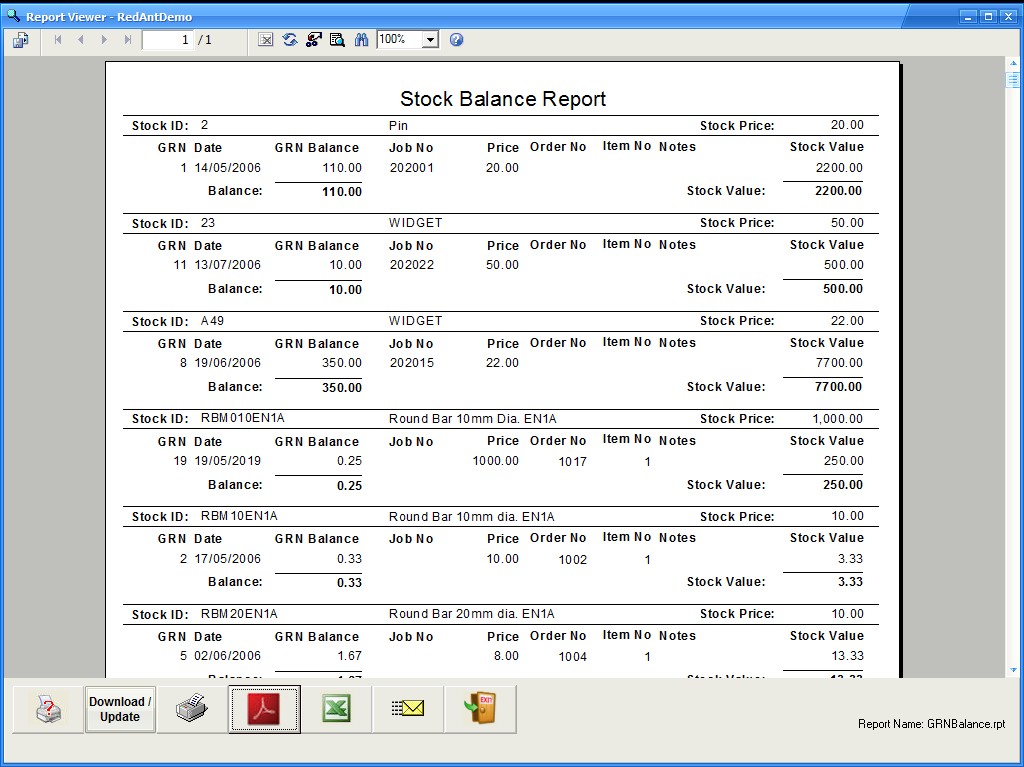
This produces a detailed report showing the full makeup of each stock balance using the GRN's. Use the selections options as in the example screenshot below

Subcontract List
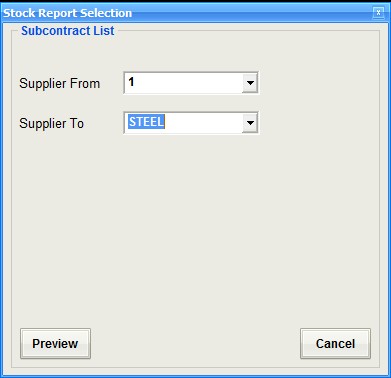
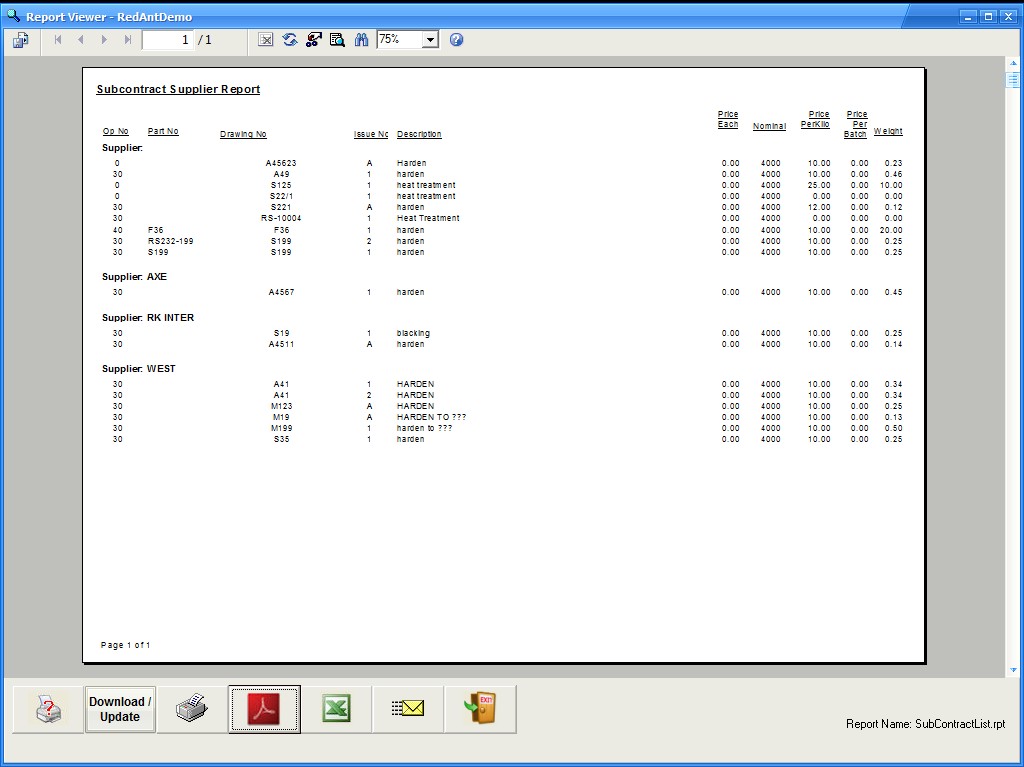
This report, selectable by supplier outputs a list drawings/parts that are specific to subcontractors.
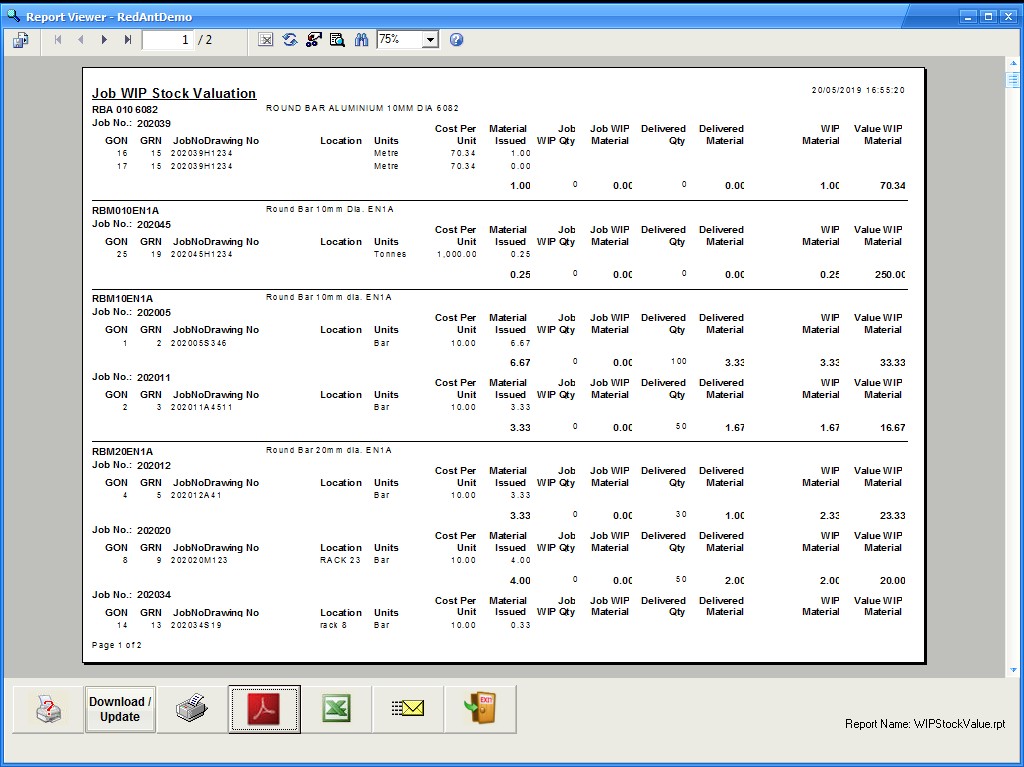
WIP
This report values stock that has been allocated to live job orders
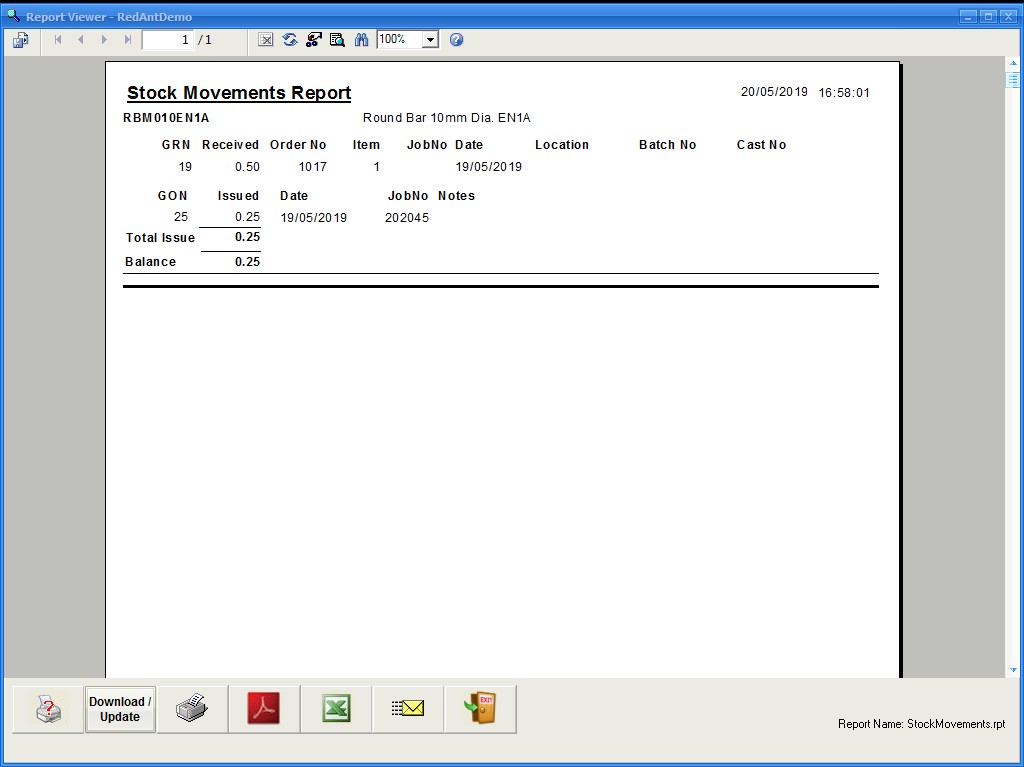
Movements
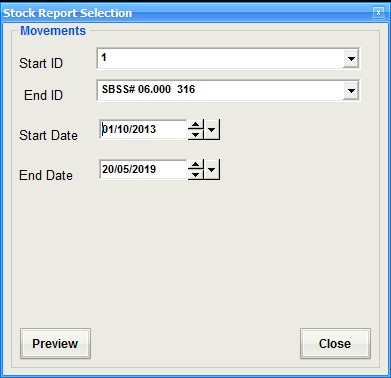
Details all goods in and out for a range of stock records between the selected date ranges
Barcode Tools
The report produces a list of stock records which have a type of 'Tool' with there corresponding barcode and ID. It can be used for scanning tools inand out of stock
