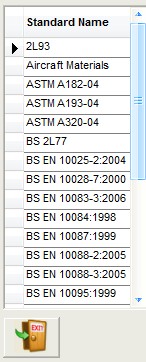
Standards
This is used to record all the Standards used for the different material specifications (see below) When setting up a new Specification you will require it to be linked to a standard as shown in the second screenshot below
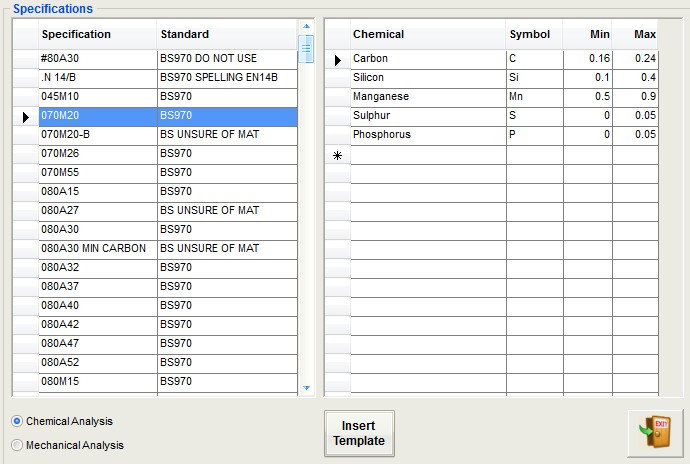
Specifications
Used to setup all the different material chemical and mechanical specifications. Each specification added to the left habd grid will require a standard. Once the entrey has been entered the two radio buttons allow movement between chemical and mechanical grids. There is the option to use a template for either grid which will insert a default list of entries. Items can be removed from the lists if not required for that particular specification. Items not entered via the template can be manually entered at the end of the grid as a new entry
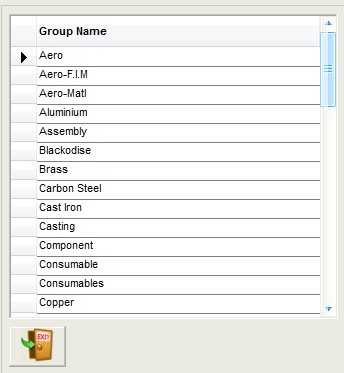
Groups
These are important to break down the stock records in to manageable sections for reporting purposes. Group can also be created for Customers so any overruns in manufactired quantities can be stored against the customer and reported on at any time.
Units
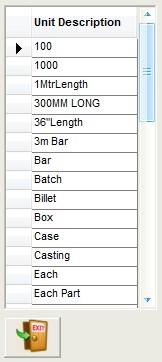
These tell us what units the stock quantities are being measured in. Use simple universally understood codes as these will be used on purchase orders.
Material Weights
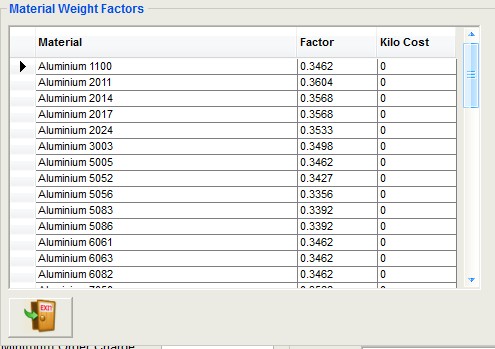
These are the factors that are used to calculate the weight of a material based on its dimensions. The factor can be 'tweeked' if larger quantities of material are being used.
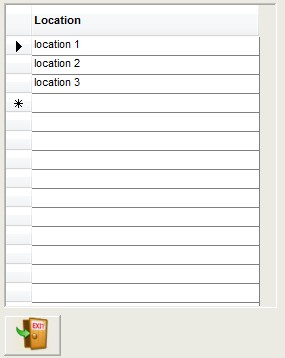
Locations
Locations are used to show where stock can be found for example in a particular Rack or Bin No.